Billing, balance and team: what you actually pay for
Leadgram doesn't charge per seat or per click - you pay a few cents once per person in your funnel, and everything else rides free. That model is cheap when you understand it and confusing when you don't. Here is exactly what burns the balance, what the three buckets mean, how to top up, how referral commissions come back, and how to run one workspace with a team.
What you actually pay for
You pay for unique people in your funnel rather than for clicks or events. One person might click your link five times, open the bot, and submit a form - for billing, that's still one person and one charge. The charge fires once, at the person's first billable event: a bot start, a channel join, a lead, or a conversion on your landing page (S2S conversions with no Telegram in them are billed too, at the same geo-tier price). After that, everything they do is free - their deposit next month costs you nothing extra. Clicks and landing-page views by themselves stay free at any volume.
How Leadgram tells it's the same person, most precise signal first:
- By Telegram account. That one never expires.
- If the event has no Telegram attached (say, a landing page conversion with no bot involved) - by the browser cookie, which holds for 365 days.
- If the browser won't keep cookies (private mode, webviews) - by the IP + browser pair, which covers 30 days.
- And by the click itself, which every charge records as well.
Repeats get stitched together automatically. If someone submits a form on your landing page and later starts your bot, both events land on the same record and the second charge never happens.
The price depends on the person's geo tier, detected from the IP at click time: $0.07 for Tier-1 countries, $0.04 for Tier-2, $0.02 for everything else (unknown geo bills as Tier 3).
The Billing page shows the last 30 days of usage: spend, number of charged events, average cost per event and the runway - how many days the balance lasts at the current burn.
Three buckets, one balance
Your total is Main + Bonus + Referral. Main holds your top-ups and is withdrawable. Bonus holds gift credits - the $50 welcome bonus every new account gets, promo codes - and is non-withdrawable. Referral collects L1/L2 commissions and is withdrawable. Debits always drain Bonus first, then Referral, then Main - the platform spends the gift money before touching yours. The welcome bonus is one-shot per user: creating a second workspace doesn't mint another $50. Signing up through someone's referral link adds an extra $10.
"Withdrawable" describes which bucket a cash-out can draw from, not a self-serve button: pulling money out of Main or Referral is still a support request for now (see the Referrals guide for how that works).
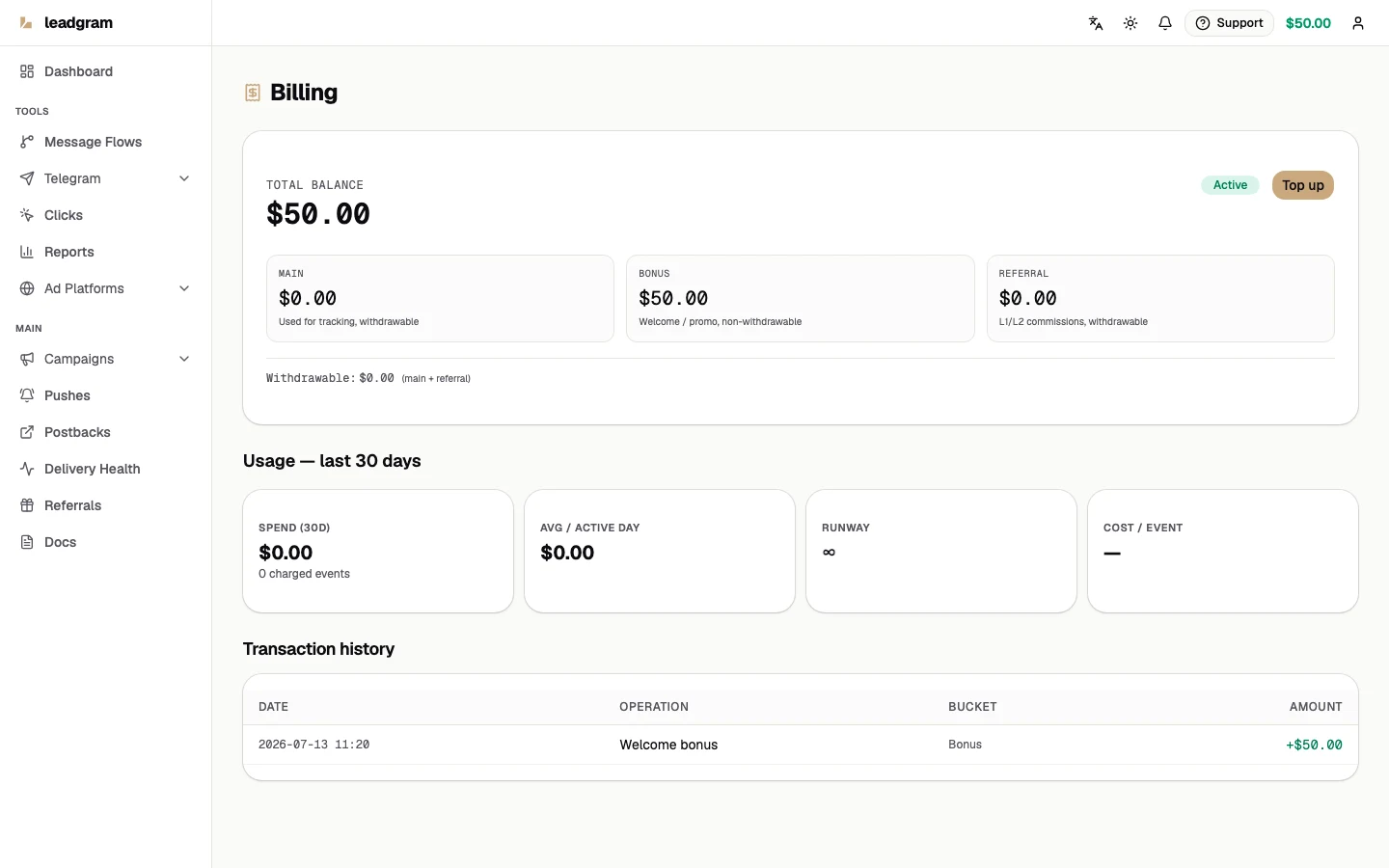
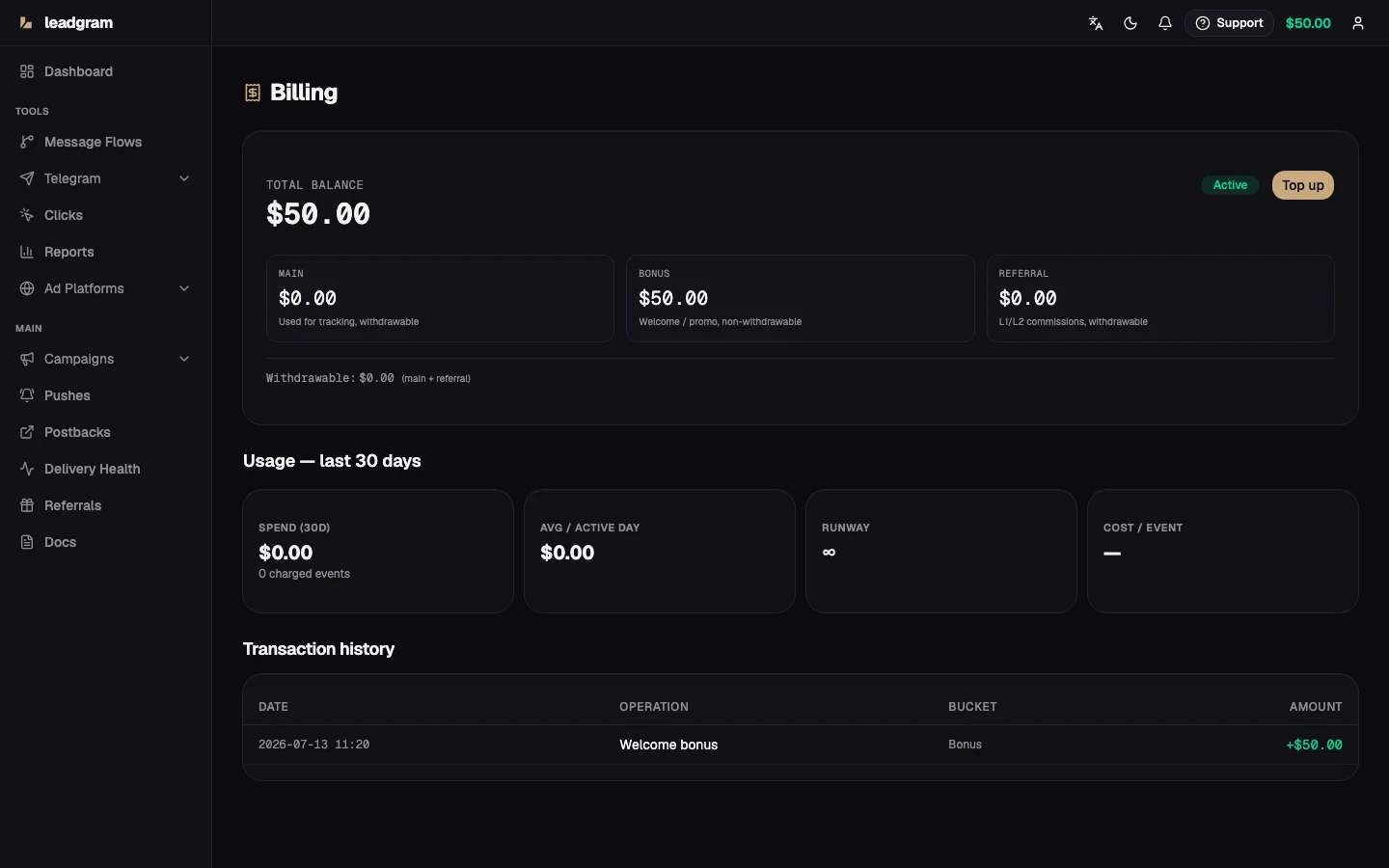
Balance statuses: low balance, grace, paused
- Low balance - a warning; nothing stops.
- Grace period - the balance hit $0; tracking keeps running for 7 more days.
- Paused - the grace expired. The first billable event from each new person is blocked at billing, so no CAPI delivery and no postbacks fire for those events - while clicks, landing views and events from already-tracked people keep flowing as usual. Top up and the status flips back to active automatically.
Topping up
Click Top up in the balance card header on Billing to open the top-up dialog. Enter an amount from $15 to $10,000 (quick picks: $15, $50, $100, $500), confirm, and Leadgram creates a crypto invoice via OxaPay and redirects you to their hosted payment page to pay. The minimum is $15 rather than $10 on purpose: pay-as-you-go lets your balance run to -$10 before tracking pauses, so a $10 payment from the very bottom would land you at exactly $0.00 and leave the pause in place. $15 always clears the overdraft, whatever state you top up from. Once the network confirms your payment, the funds land in your Main bucket within minutes. The top-up shows up in Transaction history as Crypto top-up, alongside tracking debits, bonuses and commissions.
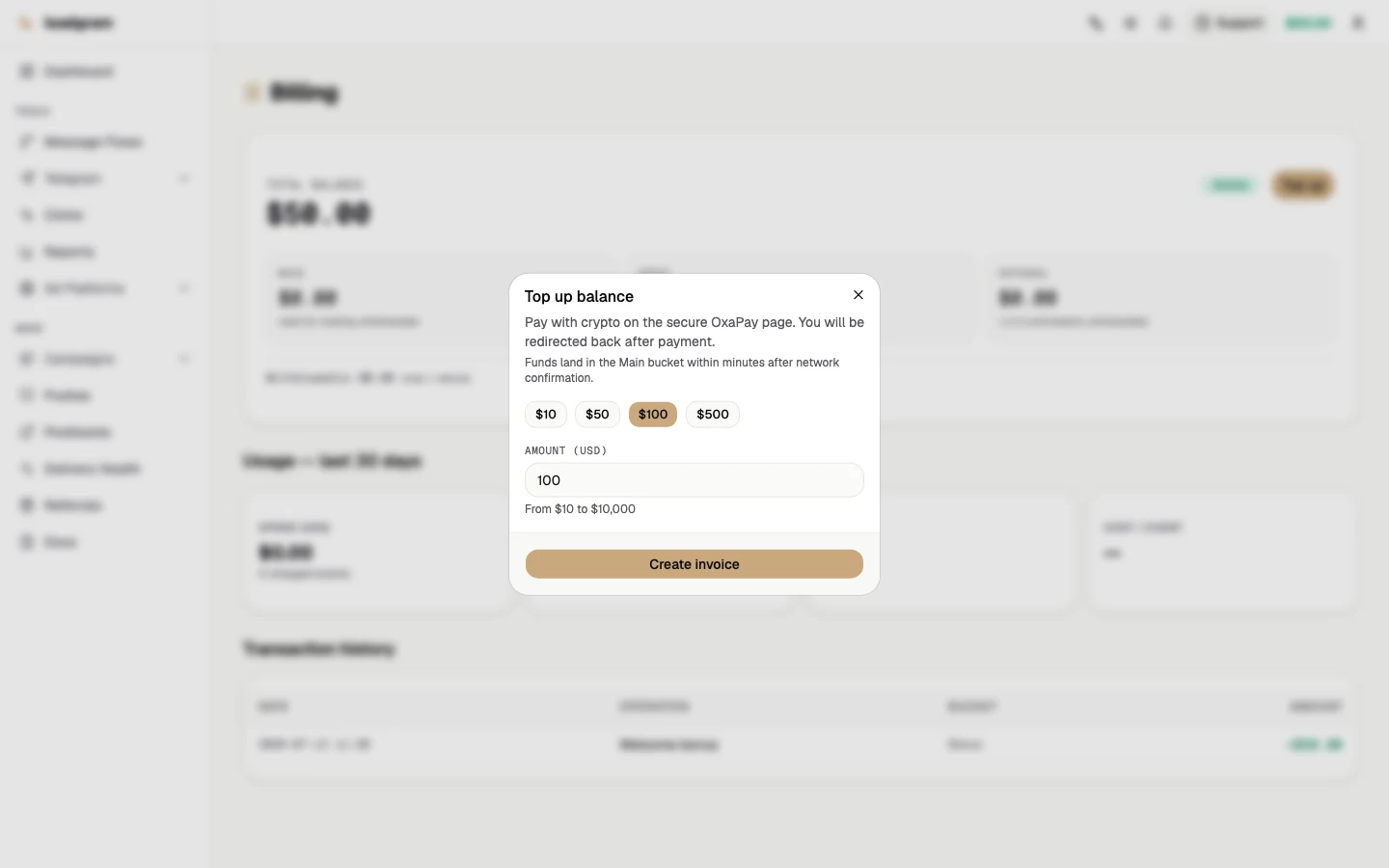
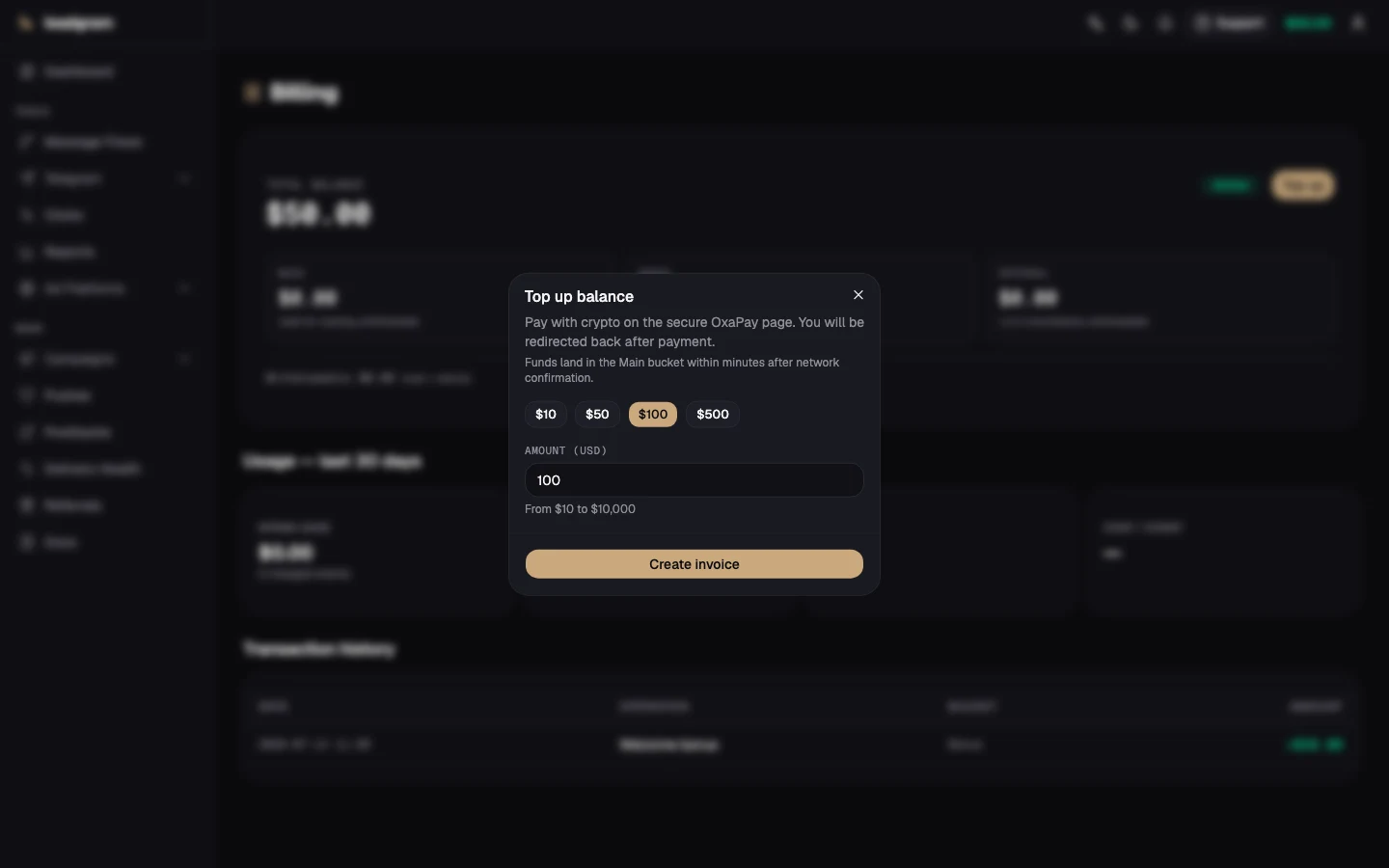
Leadgram currently absorbs the OxaPay gateway fee, so you're credited exactly the amount you paid - no cut taken off the top.
Referrals
Every workspace gets a personal referral link, and teams that sign up through it keep paying you a share of what they spend, credited straight to your Referral bucket. Rates, tiers, link mechanics and payouts are covered in the Referrals guide.
Team workspace: Settings → Team
- Open Settings and switch to the Team tab.
- Click Invite teammate, enter the teammate's email and pick a role: admin - management rights and full access to the money, member - day-to-day work with campaigns and no access to the money at all. Owner isn't offered here; it only transfers later, by hand, from an existing owner's row.
- The invite link expires after 48 hours. Until then it sits in the Pending invitations list, where you can Resend it or Cancel it.
- From a member's row you can change the role or remove them from the workspace.
- The same panel renames the workspace - the name your whole team sees.
Billing stays per workspace: inviting five buyers costs nothing extra. What each of them sees is not the same, though - both the money and the campaign list depend on the role.
Owner and admin see all of it: balance, transaction history, top-up, API keys, the referral program and every campaign.
Member works the campaigns and nothing else. The balance pill, Billing, the API keys tab and the referral page are gone from their account - not merely hidden in the menu, but refused to a direct request as well - and a member cannot top the workspace up or issue an API key.
Limiting a member to certain campaigns
By default a member sees every campaign in the workspace, together with its clicks, reports, events and deliveries. To narrow that down, open the row menu on Campaigns, pick Access, and switch on the people who should work that campaign.
An empty list means everyone, not nobody. Assignments only ever take away: while nobody is picked, the campaign stays visible to the whole workspace, so turning the last switch off opens it back up instead of closing it. Owners and admins are never limited and aren't listed on that screen.
The limit follows the campaign into everything derived from it - the campaign list, clicks, reports, the dashboard tiles, the event feed, postback rules and both delivery ledgers. It does not touch shared reference data: bots, channels, media, CAPI accounts, offers, landings, funnels and click flows stay visible to the whole workspace, and so do the workspace-wide counters on Delivery Health.
Common pitfalls
- A paused workspace silently costs conversions: first events from new people are blocked while paused and never dispatch to Meta/Google or your tracker - only already-tracked people keep reporting. Watch the runway number.
- A funnel with no Telegram in it (click, landing page, S2S conversion) is now billed too: one charge per person, at the geo-tier price, same as a bot start.
- Fair warning on funnels without Telegram: if the same person returns on a different device, still without Telegram, Leadgram can't tell it's them, and they'll be charged again. Telegram accounts don't have this problem - they match every time.
- Bonus money tracks but never withdraws - don't count the $50 as revenue.
- Referral commission comes only from referrals' Main-bucket spend. While your referral burns their own welcome bonus, you earn $0 - commissions start when they top up.
- Top-ups are capped between $15 and $10,000 per invoice - for a bigger deposit, run it in two.
- Owner isn't an invite-time role. Give buyers member seats, admin seats to whoever should manage the team, and hand off ownership deliberately, later. An admin seat carries the money with it: top-ups, API keys and the referral balance all come along.
- An empty Access list is not a lock - it means every member sees that campaign. Un-checking the last person opens the campaign back up to the whole workspace instead of closing it.
- Campaign access covers campaigns and what comes out of them. Bots, channels, offers, landings and flows stay shared, so a limited member still sees the workspace's reference data - keep secrets out of names and notes there.
- Demoting a key's owner to member kills the key. Since 2 September 2026 every call re-reads the owner's role, on reads and on writes alike, so a key issued on or after that date starts answering
403role_forbiddeneverywhere the moment its owner becomes a member: conversions stop arriving, the versioned read endpoints stop answering, the MCP endpoint stops answering. Re-issue the key under an owner or admin account and grant it its permissions again (API keys) to keep the integration alive - or hand the person a managing role back, since the role is re-read on every call. - Keys issued before 2 September 2026 are the one exception, and a narrow one. Such a key keeps working after the demotion, but only for conversion intake over HTTP (
POST /api/events) - the surface it was configured for. The same key is refused on the versioned read endpoints and on the MCP endpoint, and any permission granted to it later is checked against the owner's role like everyone else's. - Revoking a key by hand is not always yours to do: the API keys tab lists your own keys only, and a member no longer has that tab, so a demoted teammate's key cannot be deleted from your Settings. They cannot delete it for you either - the member role is refused on listing and deleting keys alike. What ends it for certain is removing the person from the workspace: a key resolves its workspace through a live membership row on every call, and without one it resolves nothing at all.