Tracking Links and Clicks: Every Visit, Measured
The tracking link is the front door of your funnel. Every paid visit passes through it, picks up a click id in milliseconds, and everything that happens later - the Start tap, the registration, the deposit - attaches to that id. If clicks are captured sloppily, nothing downstream is fixable: this is the money layer of the whole setup.
What a tracking link is
Every campaign gets a personal brandless hostname the moment it is created: a random eight-character subdomain on a neutral domain, so your ad URL carries no tracker branding (a moderation-friendly detail). Any path on that host resolves to the same campaign, and the classic /r/campaign_id URL keeps working as a permanent fallback for older ad creatives. Grab the link on Campaigns: the Tracking URL column shows the hostname with copy and open buttons; copying fetches the canonical URL from the server ("Tracking URL copied").
What a click captures
- sub1-sub5 and ref_id query params, capped at 255 characters each - put your creative, adset, source labels or an external tracker's id there. A click is never rejected for a long param; anything past the limit just gets truncated.
- Platform click ids:
fbclid(Meta),gclid,gbraidandwbraid(Google, including iOS-privacy traffic that skips gclid),ttclid(TikTok) - these are what later let server-side conversions match the ad click. - User agent, captured on every click. Geo is a two-letter country code, resolved on the redirect itself: an
X-Geo-Countryheader wins if a proxy in front of the app sets one, and otherwise the country is looked up from the visitor's IP against a local database bundled into the image. The lookup is in-memory, so it costs microseconds and never delays the redirect. It comes back empty only when the IP genuinely resolves to nothing - a private or non-routable address (local testing), or an address the database doesn't know. Geo is also what your pricing tier is based on - not for the click, which is always free, but for the billable lead that click later produces: the charge reads the geo cached on the click row, and a blank one falls to the cheapest tier.
sub4-sub9, ref_id, the ad account and the platform click ids are not table columns - the table itself shows sub1-sub3. Everything except the platform click ids surfaces in the expanded row and in the CSV export. To confirm a click actually captured an fbclid or a gclid, check it downstream instead: postback URL templates accept {sub4}, {sub5}, {platform}, {fbclid}, {gclid}, {gbraid}, {wbraid} and {ttclid} as macros, and they resolve from whatever the click actually recorded.
The redirect itself is a 302 built around a sub-10ms budget - the click row is written asynchronously so the visitor never waits on the database. If the campaign has a Redirect URL, the visitor goes straight there with {click_id} and {campaign_id} substituted; otherwise they land on the hosted page, where tapping through opens Telegram with the click id folded into the bot's start link. Only active campaigns redirect visitors: a paused, draft or archived campaign answers 404. The click itself is still recorded and shows up under the All view on the Clicks page, but it is marked as untracked - Reports and Dashboard metrics count only clicks on active campaigns.
Working the Clicks page
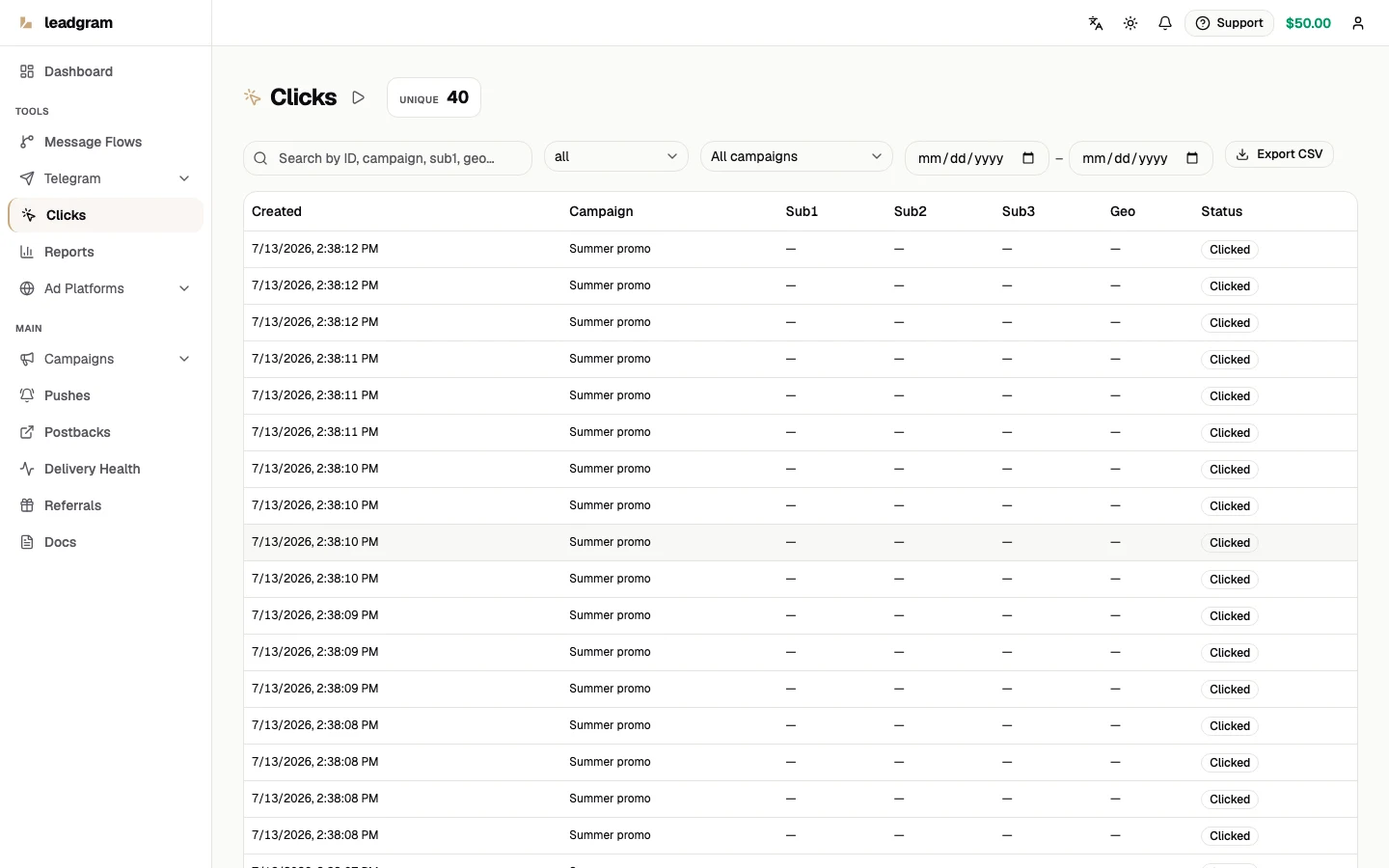
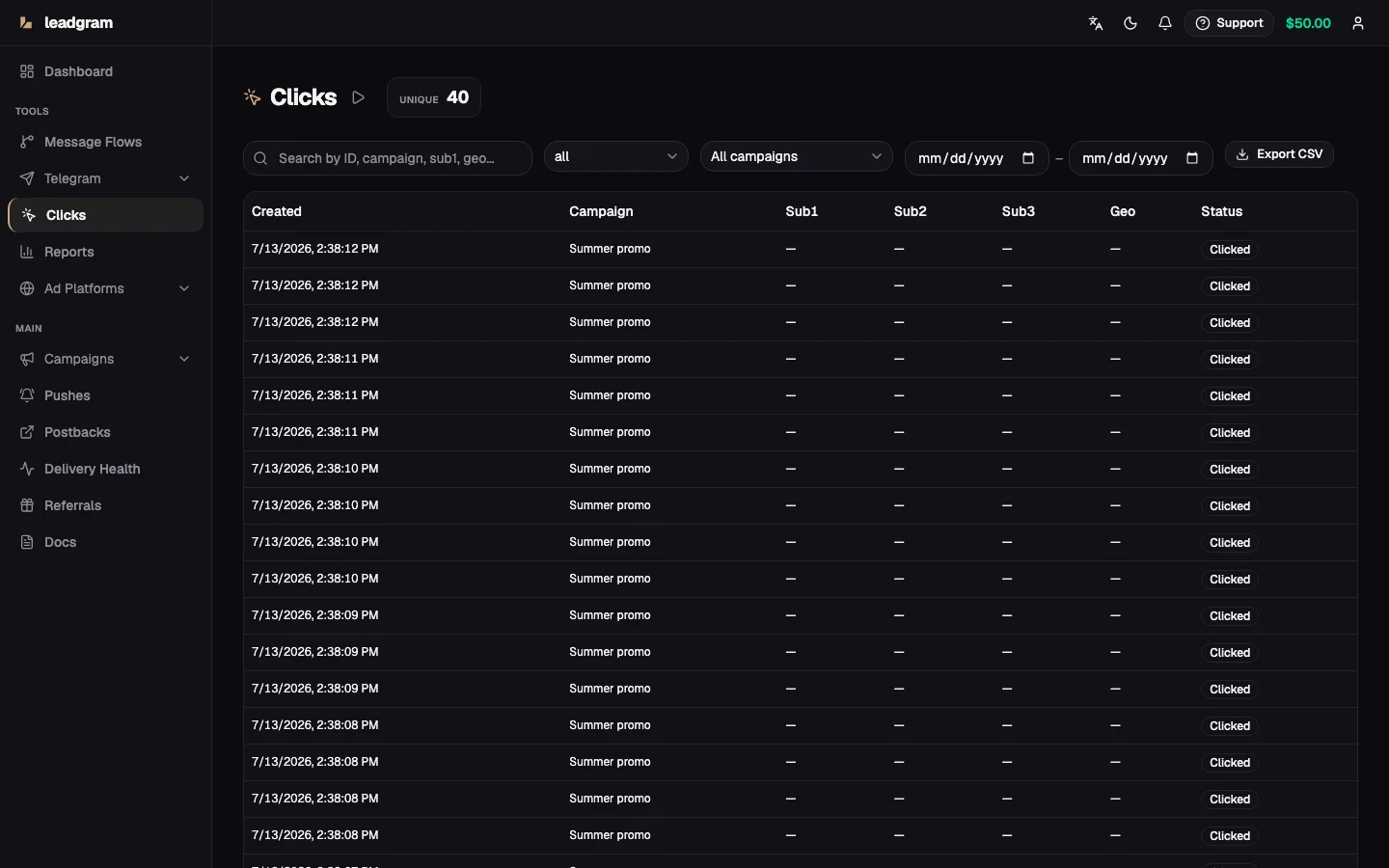
- Open Clicks. The Clicks counter shows the volume under your current filters. It is a plain count, not a reach figure: nothing is deduplicated on write or on read, so the same person clicking twice counts twice. It is the same number the Reports table and the CSV export show.
- Narrow the set with the status and campaign filters and a UTC date range; search covers ID, campaign, sub1 and geo.
- Filters live in the URL, so copying the address bar hands a teammate the exact same slice - "campaign X, FTDs, last week" becomes a link instead of a set of instructions.
- Table columns: Created, Campaign (shown by name), Sub1-Sub3, Geo, Status, Revenue. Revenue is the confirmed payout on that click - a dash means nothing has been confirmed yet, which is not the same as $0.00. Under the All view the Status cell also carries an Untracked badge on clicks that hit an inactive campaign. Pagination: 25/50/100 rows or All.
The status filter lists Clicked, Landed, Started, Lead, Deposit and FTD. Registered is a real step in the funnel below, but there's no filter chip for it yet - export the CSV and filter the status column if you need to isolate it.
Click statuses
A click walks the funnel: Clicked → Landed → Started → Registered → Lead → Deposit → FTD. Status only moves forward - a late or duplicate event can never downgrade an FTD back to Lead. Statuses advance from events: fire them from a flow's event nodes, or report them server-to-server through the events API.
CSV export
Export CSV pulls every row matching the current filters, not just the visible page, with columns id, campaignId, sub1-sub3, geo, status, createdAt, then sub4-sub9, refId, adAccount, and finally revenue and tracked. New columns are only ever appended at the end, so a sheet or importer reading by position keeps working across releases. An empty revenue cell means no confirmed payout, not zero. Handy for pivoting spend against FTD by sub1 in a spreadsheet.
Common pitfalls
- "The link suddenly died." Check the campaign status first - pausing or archiving makes the link answer 404 immediately, by design. Clicks that still arrive are recorded as untracked, so the All view on the Clicks page shows how much traffic kept hitting the dead link.
- Truncated sub params. Anything beyond 255 characters per param is cut and the click still goes through - keep labels compact.
- Rate limit while testing. The click endpoint allows 60 requests per minute per IP; hammering it from one machine returns 429 and says nothing about real traffic.
- Search vs. filters. The search box only filters rows already loaded on the page; status/campaign/date filters query the server. On big accounts, filter first, then search.
- Blank geo on some rows. Country comes from the visitor's IP, so it stays empty when the IP resolves to nothing: your own tests from a private network, and the small share of addresses the database has no entry for. A whole campaign coming back blank points at what sits in front of the link (a proxy rewriting the client IP), not at the campaign.
- Bridging to an external tracker. If clicks bounce onward to Keitaro or similar, put
{click_id}into the campaign's Redirect URL so you can send the conversion back later.