Delivery Health: make sure every conversion reaches the ad platforms and your tracker
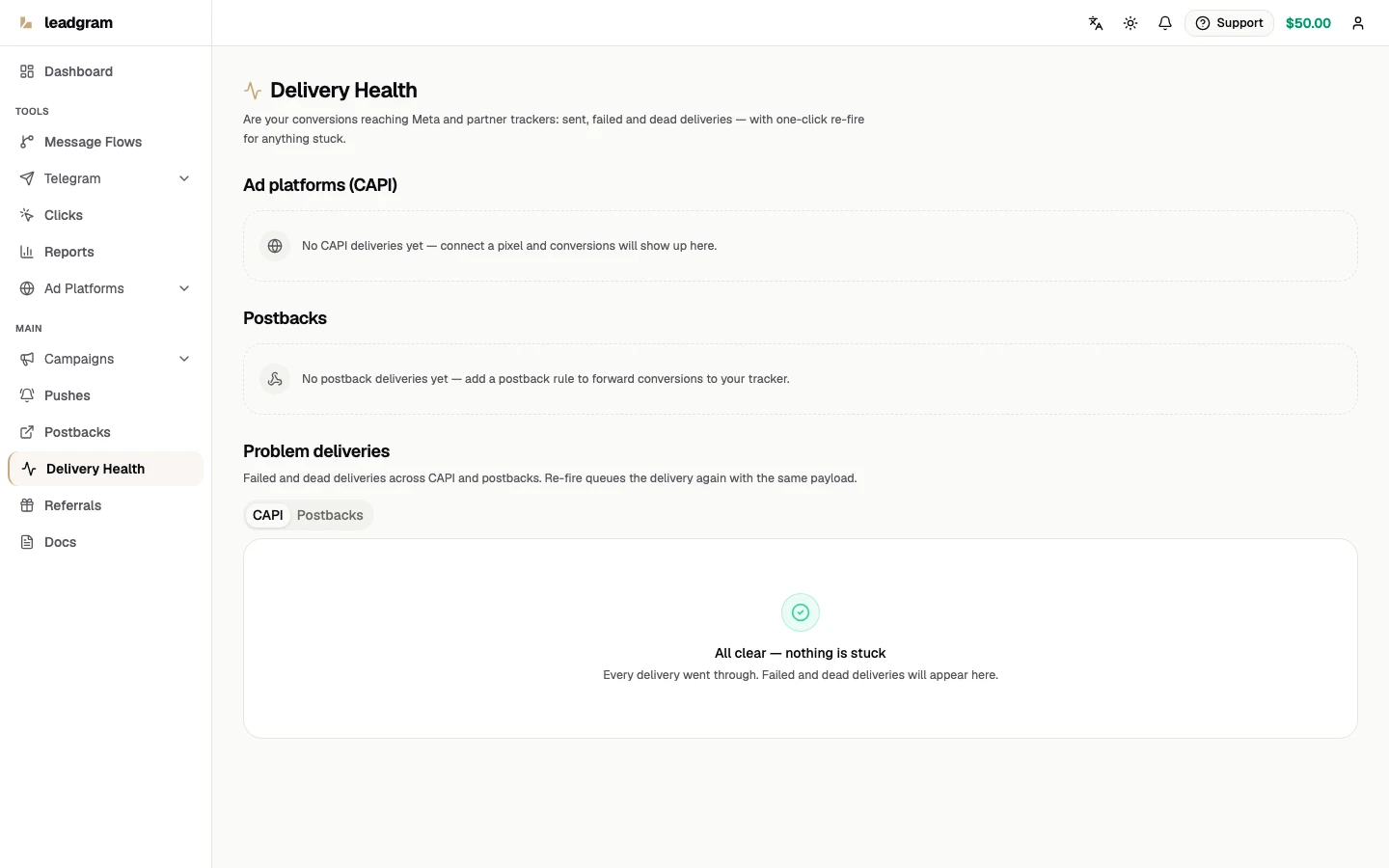
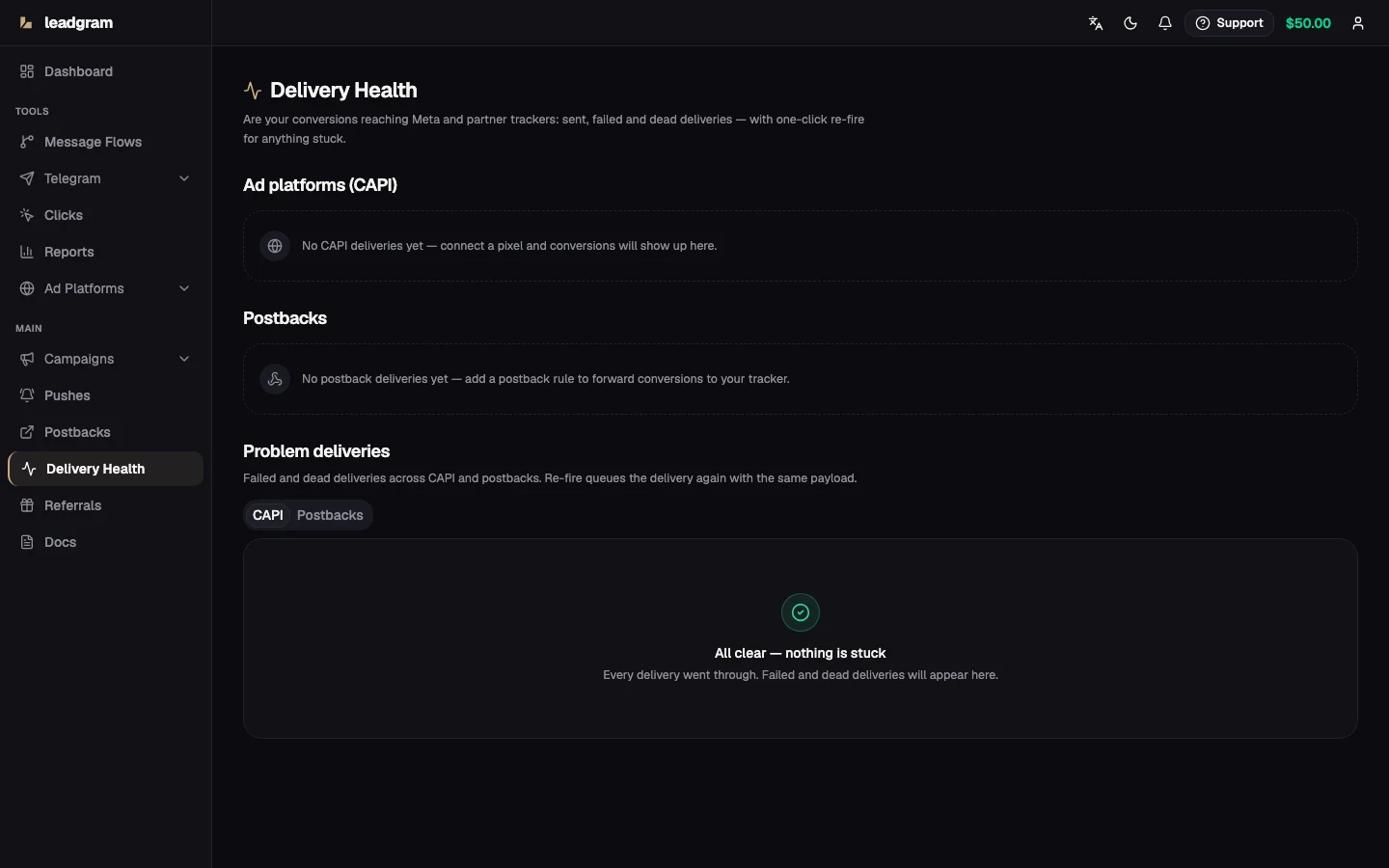
You already paid for the click. If the deposit it produced never reaches Meta or Google, the platform's optimizer keeps buying lookalikes of people who don't convert. If the S2S postback to your affiliate tracker fails, the conversion doesn't exist in your own accounting either. The Delivery Health page is the one screen that answers "did every conversion actually arrive": per-platform CAPI cards, per-rule postback cards, a table of everything stuck, and a Re-fire button for manual recovery.
Reading the cards
The top of the page shows one card per CAPI platform - Meta, Google and TikTok, all three of which deliver server-side. Below those sit one card per postback rule that had at least one delivery in the last 7 days. A CAPI platform can also show a card with zero deliveries: any one of three traces in the window mints a card - a delivery, a skip, or a click attributed to that platform. Only a click on an active campaign counts as that trace: a click on a paused, draft or archived campaign is still recorded, but it mints no card, however much you paid for it. What attributes a click to a platform is its click id - fbclid means Meta, gclid, gbraid or wbraid mean Google, ttclid means TikTok - and when there is no click id at all, the platform comes from the campaign's integrations in the same order: Meta, then Google, then TikTok. A campaign carrying no integration at all records the click as Meta, so a Meta card can show up where Meta was never run. Skips are what the Skipped block below explains.
Each card counts deliveries in two windows, 24h and 7d, across five statuses:
- Sent - the platform or tracker accepted the conversion. Done.
- Pending - queued; a worker picks it up within seconds.
- Failed - an attempt errored. CAPI gets up to 5 attempts with exponential backoff (waits of 5s, 10s, 20s and 40s, 75 seconds for the whole chain); a postback gets up to 3 attempts and is done in seconds. A failed row often converges to Sent on its own inside that window. Once the last attempt fails, the row flips to Dead automatically, no cron job or manual step needed.
- Dead - every automatic retry was exhausted. Nothing more happens without you.
- Suppressed - per-user dedup held the delivery back: the campaign (for CAPI) or the postback rule runs in a mode that sends one conversion per person. It's an honest terminal status, not a failure - such rows are never retried and never go dead. In the table below they sit under their own Suppressed filter, and they carry no Re-fire button: a manual repeat would walk straight around the dedup.
The badge is a traffic light: Healthy with zero problems, Failures (yellow) when something failed, Dead letters (red) when at least one delivery died. Each card also surfaces the last error text with a timestamp, usually enough to spot an expired token without opening logs.
Every CAPI platform card carries one more block: Skipped (not sent). It appears as soon as the window holds at least one skip, with Today and 7d counts broken down by reason: "Platform not connected", "No CAPI account for the pixel", the click-ID row, "Click expired" and "Event not mapped". The click-ID row is titled by the platform of the card it sits on, because the identifier differs per platform: "No Google click ID (gclid)" on Google, "No TikTok click ID (ttclid)" on TikTok, and a neutral "No click ID" on a card whose platform never reports that reason at all. Those two adapters are the ones that report it - Google skips a click that carried no gclid/gbraid/wbraid, TikTok a click that carried no ttclid - while "Click expired" belongs to Google alone (a click older than 89 days, a day of slack under Google's 90-day upload retention), so on Meta's card both rows stay at zero. The third one, "Event not mapped", is shared: the dispatcher writes it whenever an event type isn't in that platform's mapping and no event name was set by hand, so on Meta's card this row can very well be non-zero. The very first row, "Platform not connected", answers the question ahead of all the others: the campaign carries no key for this platform in its integrations at all, meaning the setup was never started. That is what launching traffic before attaching the pixel looks like - clicks arrive, not one event reaches the platform, and until this counter existed those events left no trace whatsoever: no delivery row, no error, no log line. Tell it apart from the next row, where the setup was started and left unfinished, and which is fixed by reconciling ids rather than by attaching a pixel. The "No CAPI account for the pixel" row comes second for a reason: the others cut off part of the traffic, while this one means the org has no CAPI account carrying the pixel ID recorded in the campaign's integration, so not a single conversion of that campaign reaches the platform. Usually the pixel was changed in one place and left stale in the other. A non-zero value here is a reason to compare the campaign's pixel ID against the CAPI account before investigating anything else. A skip is a deliberate no-send, not a failure: it never writes a delivery row and never shows up in the failed or dead counts, or in the table below. That's the direct answer when a mixed Meta-and-Google campaign shows Google converting far less than Meta - check this block before assuming something is broken.
The problem-deliveries table
Below the cards sits a paginated table with two rows of switches. The top one picks what to show: Failed / dead (open by default) or Suppressed. The bottom one picks the channel: CAPI and Postbacks. The CAPI tab shows platform, event ID, status, attempt count, the error and creation time. The Postbacks tab adds the HTTP method and the status code your tracker's endpoint returned. A 500 from the tracker and a network timeout debug very differently.
Re-fire: what it actually does
- Fix the root cause first: refresh the Meta access token, restore the Google service-account access, re-enable the postback rule.
- Click Re-fire on the row. The button flips to Queued. A fresh delivery attempt goes through the normal queue with the full retry chain. CAPI re-sends the same payload; a postback goes to the rule's current target - the URL and the method are taken from the rule itself, not from the snapshot of the old delivery, so a fixed address is picked up straight away. If the target changed since, the screen says so right on the row.
- Delivery is asynchronous, but you don't have to hit reload: the screen refreshes itself - the problem table every half minute, the cards every minute. A successful re-fire moves the row to Sent on its own and it leaves the problem list. In a background tab the polling stops and fires one off-cycle request the moment you come back, and a failed refresh never wipes the numbers already on screen: the last good response stays.
- If the row has not moved after about two minutes, the button becomes clickable again. That is not the screen forgetting your click: it means the queue took the job and nothing ever processed it, so pressing again is the right move. If the same row keeps coming back to you that way, the thing to look at is the worker, not the row.
Re-fire refuses honestly instead of pretending. Only failed and dead rows can be re-fired. If you removed the pixel from the campaign, you get "The platform is no longer configured on the campaign". Queueing it anyway would just produce another dead row. The refusal looks at the campaign only: if the pixel is still on it but the CAPI account itself was deleted, the re-fire is accepted, the platform is skipped silently, and the row stays dead. "The event is not billable" is a safety refusal: the event's billing status is neither charged nor free, so a repeat would send nothing anyway. Postback re-fires are refused the same way when the rule was deleted or disabled, so a manual re-send can't quietly bypass a rule you turned off.
Double-counting protection: a postback re-fire reuses the original fire ID, so if the first attempt actually reached your tracker, the repeat is suppressed before the HTTP call. Two guards do that: the marker in Redis recording that the fire already happened (it lives 24 hours) and the durable Sent row in the delivery ledger. Both are read fail-open - when the store doesn't answer at that moment the delivery is not cancelled, it goes out again, so the honest promise is at-least-once and the receiver on your side has to deduplicate by itself. CAPI re-fires lean on the platform's own event-ID dedup instead: Meta's window is roughly 48 hours, so re-firing much older rows can double-count conversions in Ads Manager.
When to worry - and when not
- Worry when Dead is above zero, or the same last error keeps repeating: expired access token, revoked service-account access, a wrong dataset or conversion action ID.
- Don't worry when Google shows fewer conversions than Meta on mixed traffic. A Meta-originated conversion has no
gclid, so Google skips it on purpose instead of failing - check the Skipped block on Google's card for the exact reason and count. Google also skips clicks older than 89 days, a day of slack under its 90-day upload retention.
When delivery starts failing: two channels
There is an obvious objection to the section above: it only works while the screen is open in front of you. So failures got an alert of their own. When ten or more deliveries pile up in the Failed and Dead states within an hour - CAPI and postbacks counted together, as one sum - it goes to the workspace owners and admins. It carries the same number, the window it was counted over, the split by channel, and a link straight to this screen.
Admins are on that list on purpose: the person who repairs a broken integration is rarely the person who owns the workspace, and where the owner is an accountant or a founder, the client used to report the breakage first. Reading the alert and switching it off for the whole team are still different rights - the workspace-wide switch stays owner-only.
The alert goes out by email, and to Telegram as well for anyone who linked a chat. The link is personal, one per person: Settings → Notifications, the card Telegram for alerts, the button Connect Telegram. It opens a private chat with the notification bot, and you press START there. The link is single-use and lives 15 minutes: a used or expired one is refused with an explanation, and a fresh one is taken from the same card. To stop the Telegram copy, press Disconnect on the card or send /stop to the bot; email keeps arriving either way, because Telegram is the second channel here, not a replacement for the first. On a server where the notification bot was never set up the card says exactly that, and there is nothing to link.
One thing about that link is worth knowing before it surprises you: it holds on to the bot it was made through. A chat identifier names a person, but the right to write into that chat belongs to one specific bot, so swapping the notification bot on the server breaks every link in every workspace at once. Nothing reaches Telegram until each person opens the card and presses START again, now with the new bot - and that is a change on the server side, which the card cannot repair on its own.
What counts is deliveries created in the last hour that are still failed or dead when the check runs; the check runs every fifteen minutes. The threshold of ten is picked so a single 5xx from a platform, or a retry that succeeded on the second attempt, never mints an alert: reaching ten within an hour takes broken configuration, not one flaky moment of network.
One alert per workspace per six hours, no more - and those six hours count the alert, not the channel: a message that reached you in Telegram closes the same window the email would have closed. A delivery failure is a state, not an event: until the expired token is replaced, every following check sees the same failed rows, and without that limit one breakage would turn into a mailing list.
You can switch it off in two places, and they are different levels. Settings → Notifications holds the workspace-wide switch; only an owner can change it, because it applies to every owner and admin at once. Right below it, in notification preferences, sits the personal checkbox Delivery failure alerts (email and Telegram): it silences both channels for you alone - keeping the email while dropping Telegram, or the other way round, is not something the checkbox can do - and it leaves everyone else untouched.
Common pitfalls
- Re-firing without fixing the cause just mints new dead rows. The button re-sends, it doesn't repair configuration.
- Meta rows older than about 48 hours are risky to re-fire: vendor dedup no longer covers them.
- A conversion blocked at billing (paused organization, spent overdraft) is not in this table at all: no delivery row is ever written for it - it lands on the "Lost to billing" card on this same screen. Nothing needs re-firing by hand: after a top-up on Billing those events go out on their own - right when the credit lands, with an hourly pass picking up the tail - as long as the conversion is no older than six days.
- A Google card sitting at zero deliveries on Meta-heavy traffic is expected, not broken. Its Skipped block explains why.
- An empty slot where the TikTok card should be is not proof that server-side delivery is missing: TikTok sends the same way Meta and Google do. A card is minted by any trace of the platform in the window - a delivery, a skip, or a click attributed to TikTok - so its absence means exactly one thing: nothing in the window was attributed to TikTok. That is not the same as "there was no TikTok traffic": a TikTok click that arrives without
ttclidon a campaign carrying a Meta or Google integration is recorded against that platform and lands on its card. A card at zero deliveries is the other case, and its Skipped block explains it: "Platform not connected" when the campaign knows nothing about TikTok, or "No TikTok click ID (ttclid)" when the connection is there but the clicks carry no tag.