Message Flows: build the bot funnel visually
Clicks don't deposit - conversations do. Message Flows is the visual builder for the bot dialog that runs right after a user taps your ad: greet them, qualify them, route to the offer, and fire conversion events back to your ad platforms and tracker while they're still typing. It's what turns a Telegram bot into an actual funnel instead of a static landing page.
The building blocks
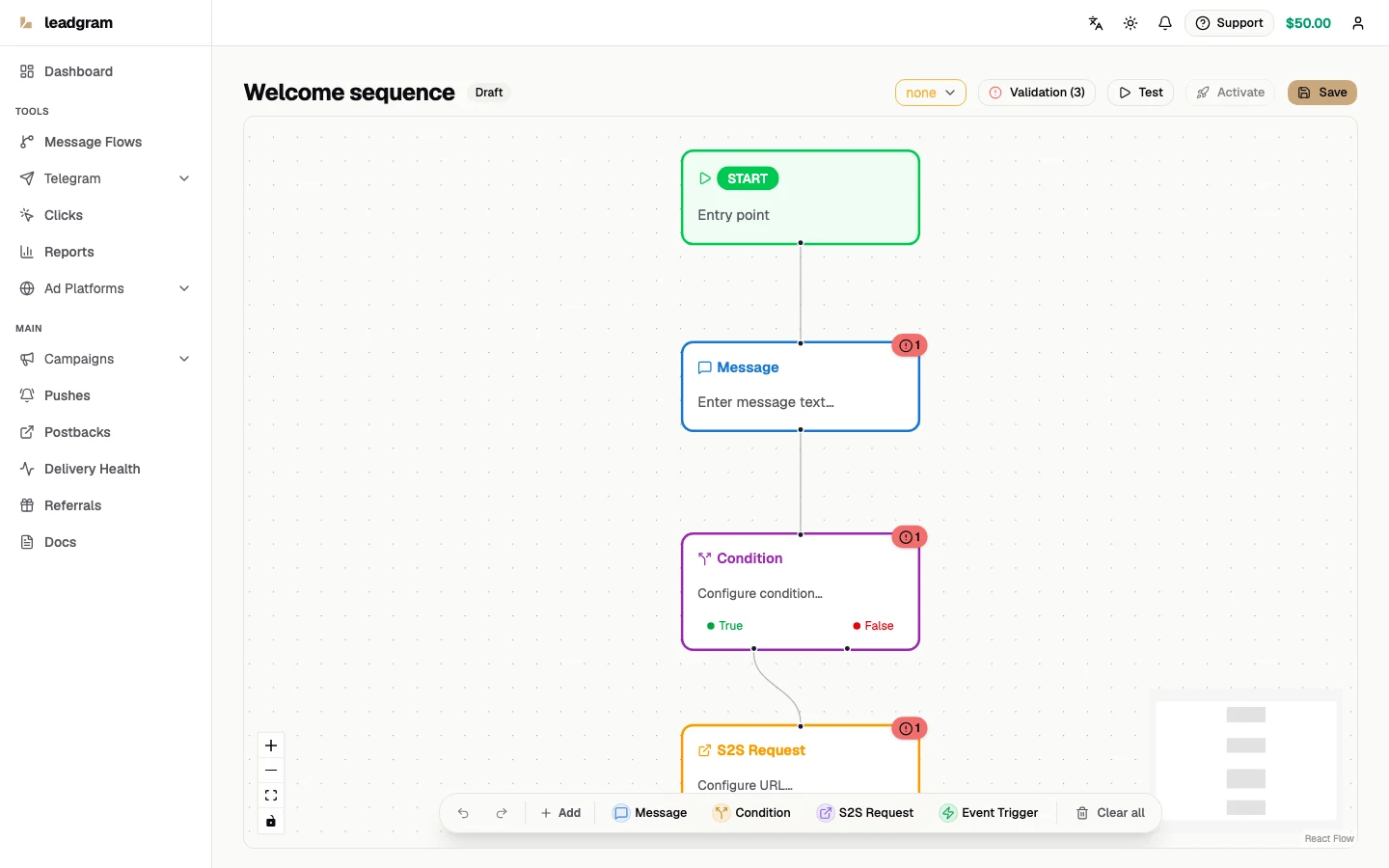
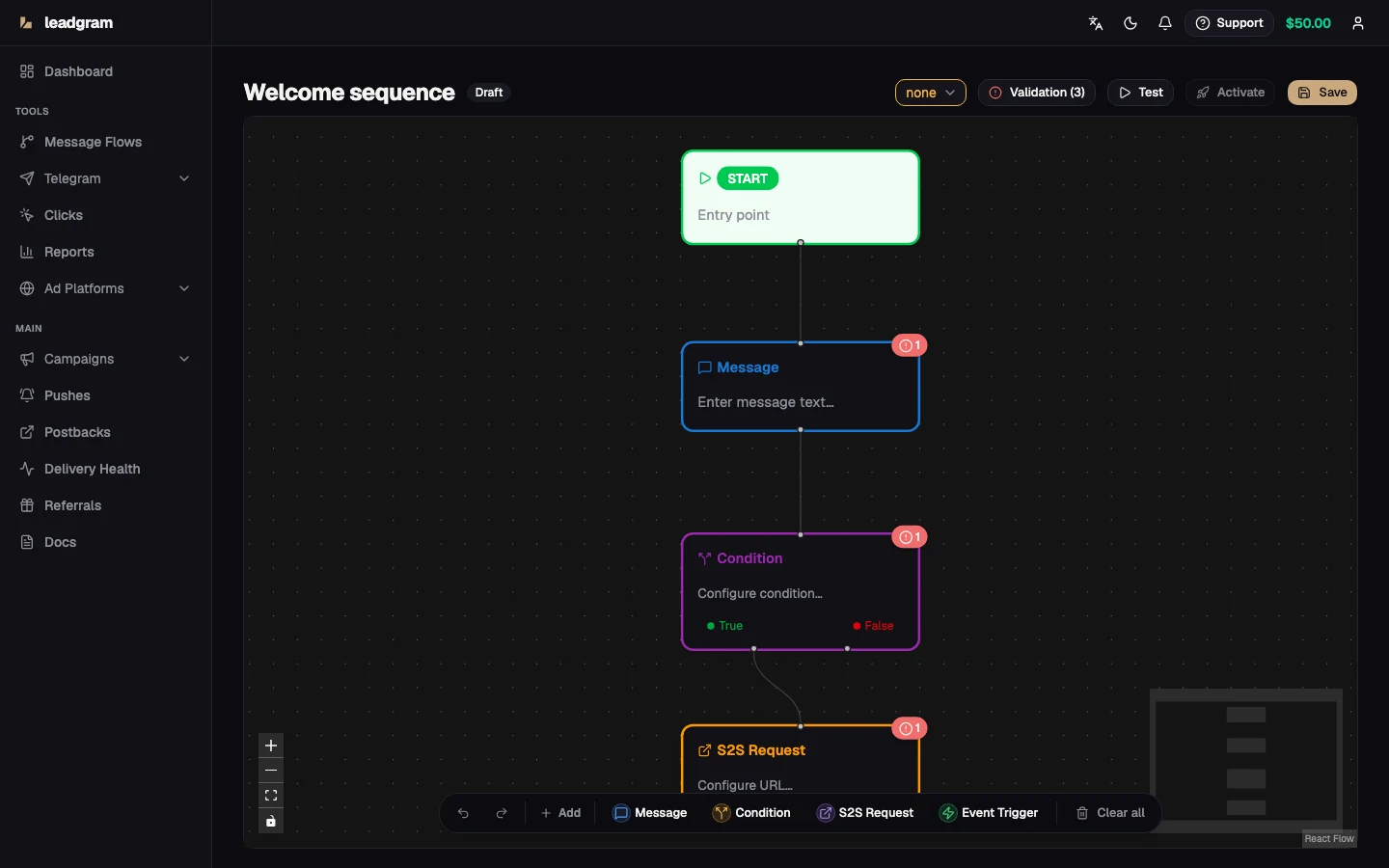
- Start - the entry point of every flow. Always present, can't be deleted, and nothing can connect into it.
- Message - sends text (Telegram HTML like
<b>works), optional media (photo, video, GIF, document, video circle or voice message), inline buttons and a text-input option. A node with callback buttons or text input pauses the flow and waits for the user; buttons can also be plain URL links. - Condition - branches true/false on a context field with operators: equals, not equals, contains, not contains, greater than, less than, regex, exists.
- S2S Request - POSTs the click context and collected answers as JSON to your server; the response is saved under the node's identifier and usable in later conditions and messages.
- Event Trigger - records a real conversion event (bot start, lead, registration, deposit, FTD, purchase, custom 1-8 and more) with optional value and currency that flow into Meta CAPI. The same event feeds postbacks and event-based pushes.
Build and activate
- On Message Flows click New Flow; bind a bot right away or leave it for the editor later.
- Add nodes on the canvas and connect them with edges. Insert user data anywhere with
{{ }}variables - the context picker lists what's available. The editor autosaves as you work (watch the status indicator in the header) and Cmd/Ctrl+Z undoes the last change, with a redo button right next to it. - Keep the validation panel clean: errors like "Message has no text", "Condition has no outgoing branch", "S2S request needs a valid http(s) URL" or "Flow contains a loop" block activation.
- Assign an active bot in the editor header.
- Hit Activate. An active flow is read-only - Deactivate to edit, then activate again.
Test in the simulator
Click Test to open the Simulator - a sandbox run where no real messages are sent and nothing is charged. Set the start context (first name, username, geo, sub1/sub2, status, or paste raw JSON), run the flow, click buttons in the chat preview, type replies, mock S2S responses, and watch the variables panel and step timeline. Catch broken branches here, not on paid traffic.
Both the simulator and the live runtime cap a run at 100 steps. A loop never reaches production: a flow with an edge that routes back on itself won't save or activate - the validation panel flags "Flow contains a loop". The 100-step ceiling is a backstop that can still trip in the simulator on an unsaved cyclic graph, or on a chain longer than 100 nodes.
How it runs live
When a user messages the bot, the active flow starts an execution. /start always restarts the dialog from the beginning, even mid-conversation. Steps are processed by background workers; a Message node with buttons or text input parks the execution in Waiting Input until the user acts, then resumes down the matching branch. Event Trigger nodes fire the moment the user reaches them. A run that exceeds the 100-step ceiling stops and shows up as Failed in the history below.
Execution history
Execution History lists every run: flow, Telegram user, status (Running, Waiting Input, Completed, Failed), step count, duration, error text and start time - with status filters and pagination. It's the first place to look when "the bot doesn't reply".
Common pitfalls
- A Draft flow doesn't answer anyone. Activation needs a bound bot, at least one node beyond Start, and zero validation errors.
- Only one flow can be active per bot at a time. Activating a second one is blocked outright with an error telling you to deactivate the first - it's not a silent race where the extra flow just gets ignored.
- A video circle (
video_note) has NO caption at all - Telegram's method has no caption field, so text left on such a node would silently vanish. The editor refuses to activate the flow and asks you to move the text into its own Message node instead. A circle must be a square MP4 no longer than 60 seconds, and both a circle and a voice message must be an uploaded file: a link cannot be sent as either kind, because Telegram accepts the link and then delivers a plain video or a plain audio attachment. - With any OTHER media attached the text becomes a Telegram caption, capped at 1024 characters. Nothing is trimmed for you: Telegram refuses the whole send, so the step delivers nothing at all rather than arriving shortened. Plain text messages allow 4096, so the same text that was fine yesterday can break the step the moment you attach an image - keep media captions under 1024.
- URL-only buttons can't pause the flow (the tap happens in the browser, the bot hears nothing) - the flow advances immediately.
- Deleting or unbinding the bot behind an active flow doesn't leave it running blind: the flow flips back to Draft automatically, so it stops answering until you bind a bot again and reactivate it.
- Deleting a flow permanently removes its nodes, edges and execution history.