Campaigns and Funnels: Structure That Shows the Money
A campaign is one traffic stream: its own tracking link, its own pixel and conversion IDs, its own redirect rule. Funnels group campaigns - every setup built around one offer, for example. The point is simple money math: a clean per-campaign split shows which combination prints and which one burns; without it, optimization is guesswork.
Create a campaign
- On Campaigns, click New Campaign.
- Enter a name - it's used in reports and lists and can be edited later.
- Pick the ad platform. It decides which ID field the dialog shows: Meta Pixel ID, Google conversion action ID (numeric) or TikTok Pixel ID. All three are selectable and all three ship conversions server-side. The ID itself is optional: a campaign without one tracks browser-pixel events only.
- Optionally link the campaign to a Funnel, a Bot, and a Channel. Each picker defaults to None, which leaves it unbound. Binding a Bot is worth doing beyond bookkeeping: it becomes the fallback the Telegram webhook uses to match a click when someone opens the bot without the deep-link payload attached, so attribution survives a broken
/startlink. - Optionally set a Redirect URL (https://, tg:// or t.me). Clicks then skip the hosted landing and go straight there.
- Click Create. The campaign is Active immediately: its brandless tracking link is provisioned in the same step and accepts clicks from the first second.
Credentials never live on the campaign. Meta needs a CAPI access token added on Facebook; Google needs no token at all, just the numeric conversion action ID plus Standard access granted to the platform's service account on Google (conversions ship server-side through the Google Data Manager API); TikTok needs an Events API access token added on TikTok (see the TikTok CAPI guide). While you type an ID, a live indicator under the field shows whether it matches a connected CAPI account. After saving, a banner repeats the verdict: matched (server-side events will fire) or browser-only.
Lifecycle: pause, archive, unarchive
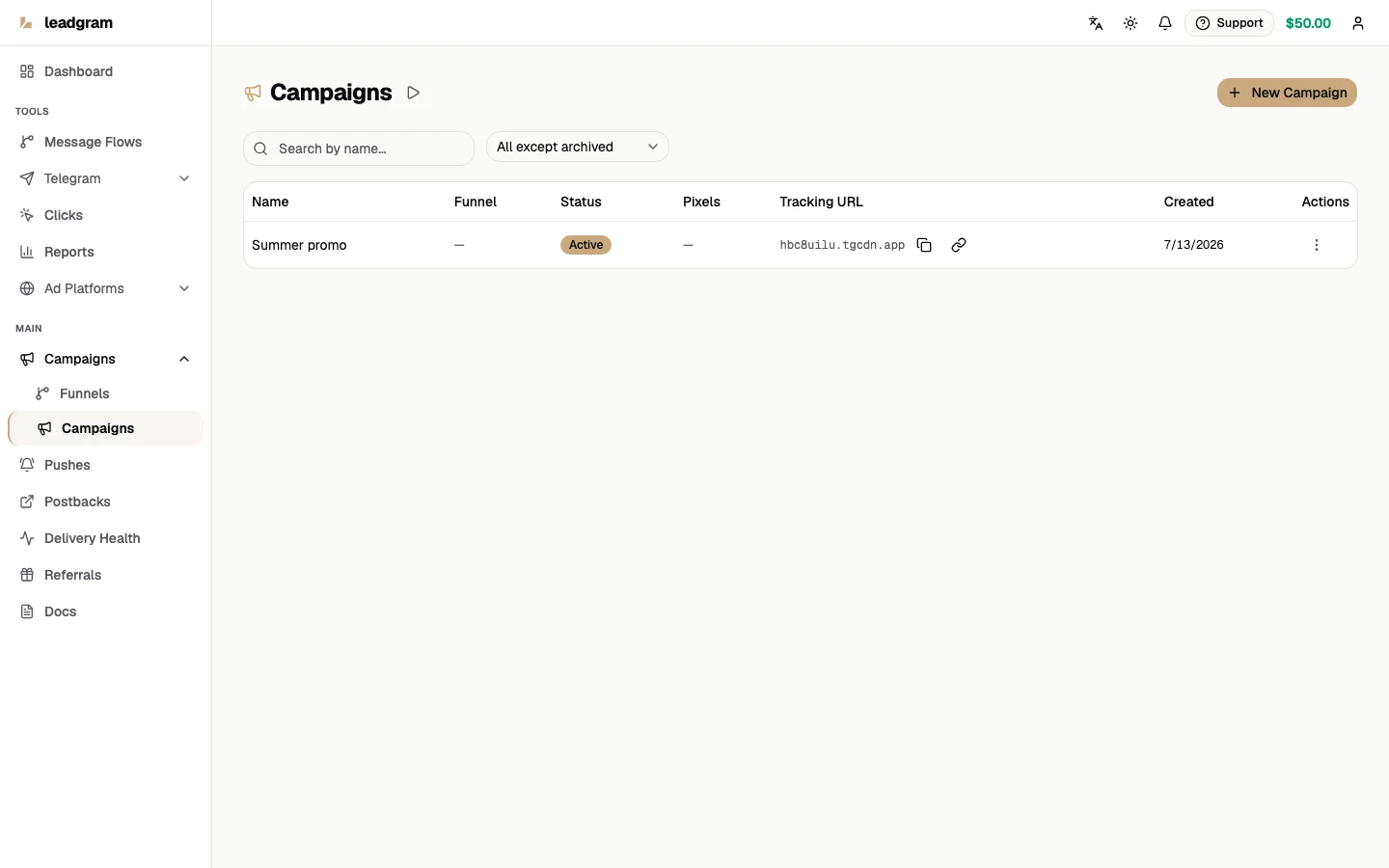
Each row has an actions menu: Edit, Pause for an active campaign, Activate for drafts and paused ones, Unarchive for archived, and Archive. (Draft is a legacy status no normal flow produces - both the dialog and the API create Active campaigns; it only shows up on rows written straight to the database.) Two things worth knowing:
- Pause stops traffic for real. The tracking link answers 404 effective immediately, with no caching to wait out. The click is still recorded as untracked (visible under the All view on the Clicks page), but Reports and Dashboard metrics ignore it.
- Archive is soft. Existing clicks and attribution stay intact; the link stops sending anyone anywhere - it answers 404 exactly like a paused one. Clicks that keep arriving are still recorded as untracked, under the All view on the Clicks page, and stay out of Reports and Dashboard metrics. Unarchive returns the campaign to Active.
Editing: multi-platform IDs and redirect macros
The edit dialog shows all three ID fields at once: a campaign can post conversions to Meta and Google in parallel. An empty field removes that platform. The same Funnel, Bot, and Channel pickers from creation live here too; switching one back to None unbinds it. The Redirect URL supports the {click_id} and {campaign_id} macros, substituted on every redirect - the standard way to hand the click id to an external tracker. Unknown {tokens} pass through untouched so the next tracker's macros keep working.
Finding campaigns
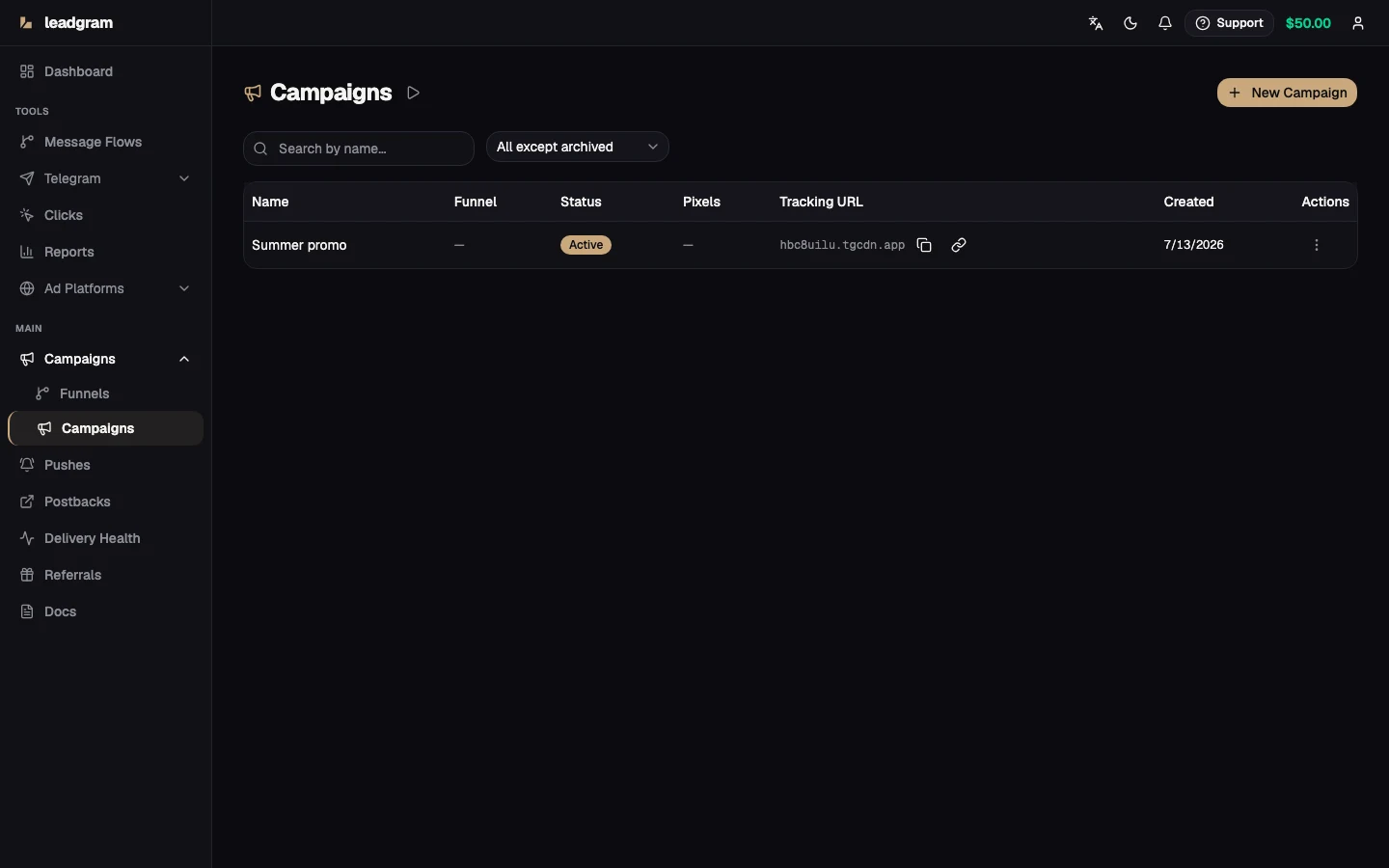
Search by name (server-side, debounced as you type) plus a status filter with the default All except archived - archived rows stay hidden until you ask for them. Filters live in the URL, so a filtered view can be shared as a link. The table's Funnel column shows the linked funnel's name, and the Tracking URL column keeps copy and open buttons one click away.
Funnels: grouping campaigns
- Open Funnels and click New Funnel: a name plus an optional description of what the funnel groups together.
- The Campaigns column counts non-archived campaigns linked to that funnel. A campaign gets counted here as soon as you set its Funnel picker to that funnel, whether in the create or the edit dialog.
- Edit renames a funnel; deleting unlinks, never deletes - attached campaigns keep running without a funnel.
Common pitfalls
- Google ID mismatch. The conversion action ID on the campaign must match the ID entered on the connected Google CAPI account, or events are not delivered.
- Browser-only surprise. A pixel ID with no CAPI account behind it means no server-side events. Watch the post-create banner.
- Redirect URL replaces the hosted landing. The built-in Start deep-link disappears with it - your own lander must carry
{click_id}into Telegram, or attribution ends at the click. - Edits replace integrations wholesale. Clearing a field removes that platform from the campaign; only blank it if that's what you mean.
- "My campaign vanished." The default filter hides archived rows; switch the status filter to Archived or All.